
Logo Design Presentation Template: Present Three Options, Not Thirty
Presenting logo concepts to clients is where projects either move forward smoothly or spiral into endless revision rounds.
Show too many options and they'll cherry-pick elements from five different designs. Show concepts without context and they'll fixate on the wrong details. Present without structure and you'll spend the next three weeks explaining why their nephew's suggestion won't work.
A good presentation template solves this by controlling the narrative—showing exactly three directions, with rationale, context, and applications that make the decision clear.
The Readybrand Logo Design Presentation Template is available now on Creative Market.
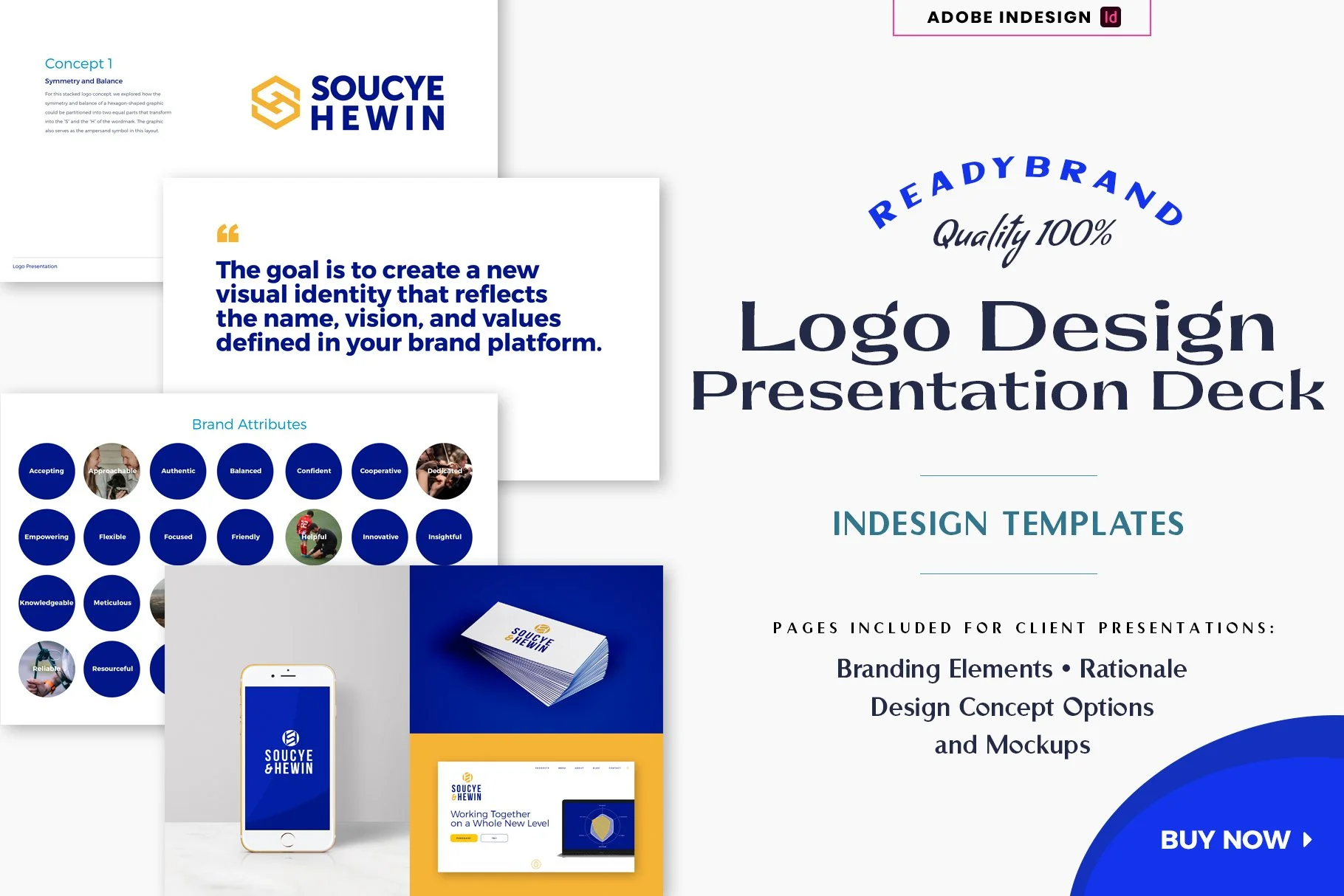
Readybrand Logo Design Presentation Deck @ Creative Market
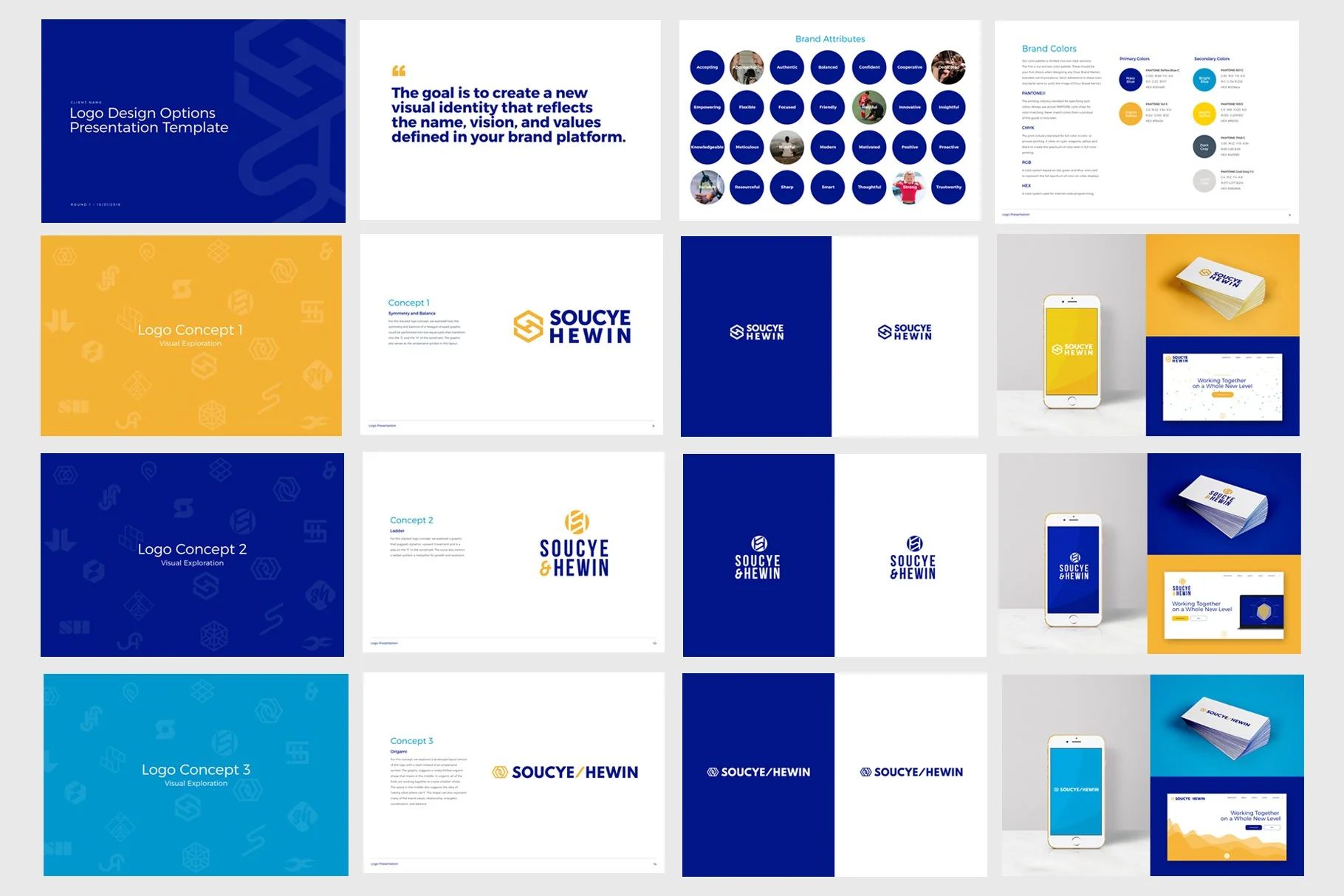
What the Logo Design Presentation Template Actually Is
It's a 17-page InDesign template specifically designed for presenting three initial logo concepts to clients.
Includes a creative brief recap, brand attributes reminder, color palette page, concept exploration pages, individual logo presentation slides with rationale, light/dark background tests, and real-world mockups showing each logo on business cards, iPhone screens, and websites.
It's structured to walk clients through your thinking—not just throw logos at them and hope they pick one.
Why Three Options (And Why This Structure Works)
Three is the ideal number of logo concepts to present. Fewer feels like you didn't explore enough. More creates decision paralysis and invites Frankenstein revisions.
This template forces clarity: each concept gets dedicated space with written rationale explaining the thinking behind it. Clients see logos in context (not just floating on white), tested on light and dark backgrounds, and applied to real materials.
The result: fewer revision rounds, faster decisions, and clients who understand why one direction works better than the others.
What's Included
17 professionally structured pages:
Cover page
Creative brief recap (why you're creating a new logo)
Brand attributes reminder (from discovery phase)
Brand color palette presentation
Section pages for alternate icon/wordmark explorations (3 included)
Logo concept pages with rationale descriptions (3 included)
Split-screen light/dark background tests (3 included)
Real-world mockup pages showing logos on iPhone, business card, and website (3 sets included)
Thank you/next steps page
Plus 9 Photoshop mockup files:
3 iPhone mockups with Smart Objects
3 business card mockups with Smart Objects
3 website mockups with Smart Objects
Comes in two InDesign formats (.INDD for CC 2018+ and .IDML for CS4+), plus a detailed user guide.
Who This Is For
Brand designers and logo designers presenting initial concepts to clients.
Design studios and agencies standardizing their logo presentation process.
Freelancers who want to present work more professionally and reduce revision rounds.
Anyone tired of clients saying "can we see option 2's icon with option 3's colors?"
How It Works
Open the template in Adobe InDesign. Add your creative brief recap and brand attributes. Insert your three logo concepts with rationale text. Drop your logos into the Photoshop mockup Smart Objects. Customize colors and typography as needed.
Export as PDF for client review. Present live on screen. Walk through each section systematically.
The 12-column grid keeps everything aligned. Paragraph styles make text updates fast. Auto page numbers included.
Requirements
You'll need Adobe InDesign (CS4 or later) and Photoshop for the mockups. Basic working knowledge of both programs required. Template uses free fonts (links provided in guide).
Designed for digital presentations (1200x800px / 16.67x11.11 inches). Not set up for printing, though you can adjust page size if needed—see user guide for details.
This is not compatible with PowerPoint, Keynote, Canva, or other software. InDesign only.
Why I Made This
After years of watching logo presentations derail into chaos, I built a system that keeps clients focused on the right decisions.
This is the template our Creative Directors actually use. It reduces revision rounds, speeds up approvals, and helps clients understand the thinking behind the work—not just react to shapes and colors.
It works.
Where to Get It
The Readybrand Logo Design Presentation Template is available now on Creative Market.
Instant download. Ready to use.